


Cyber Threat of the Week: QR Code Phishing (Quishing)
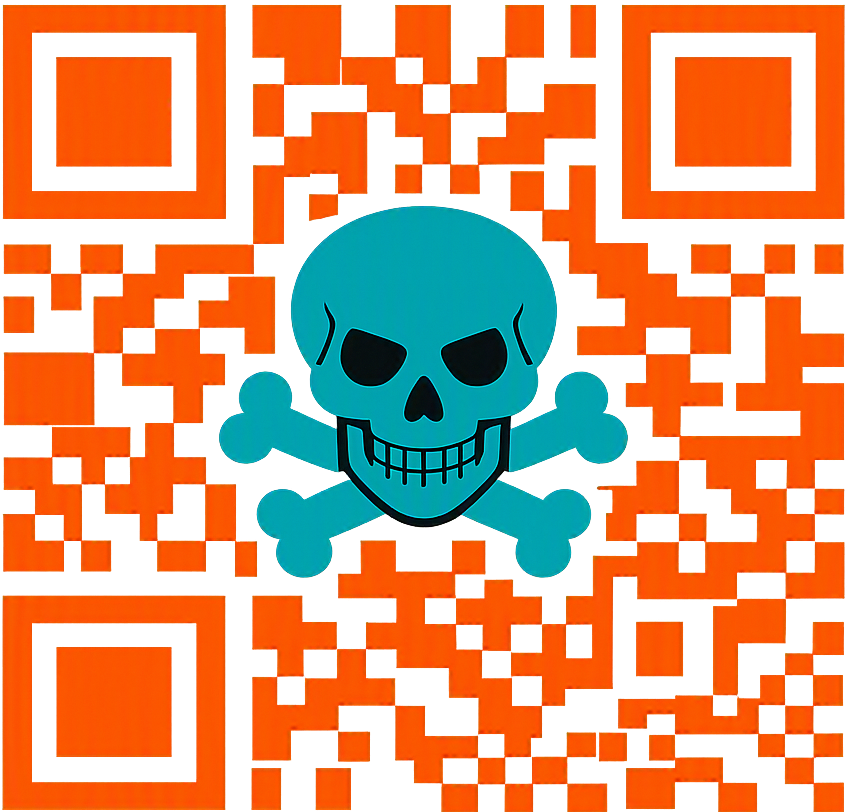
QR codes have quietly become one of the most widely used digital interaction tools in modern life. We scan them at restaurants to access menus, at parking meters to pay for tickets, on delivery slips to track parcels, in MFA prompts to authenticate logins and even in HR emails to access payslips or internal portals. Their convenience, speed and simplicity have made them a trusted part of daily workflows. But this trust is exactly what cybercriminals are exploiting through a rapidly growing attack method known as QR Code Phishing, or Quishing.
Over the past year, quishing has surged globally. Unlike traditional phishing emails that rely on clickable links, quishing hides the malicious URL inside a QR code image. Because most email security tools are designed to analyse text, hyperlinks and attachments, not pixel encoded data, the QR code often slips through filters undetected. Once scanned, the victim is redirected to a phishing page, typically on their personal mobile phone, where corporate protections such as DNS filtering, EDR, conditional access, browser isolation and secure gateways are not present. This shift from a protected corporate environment to an unprotected personal device is precisely what makes quishing so effective and dangerous.
Across organisations of all sizes, from small businesses to large enterprises, several consistent quishing patterns are emerging. Attackers are becoming more creative, more targeted and more technically sophisticated. Some of the most common examples include:
These emails impersonate Microsoft 365, Google Workspace, or Okta, urging users to “re authenticate” by scanning a QR code. The resulting page steals credentials and session tokens.
HR impersonation attacks are rising sharply. Employees are tricked into scanning a QR code inside a PDF, believing it leads to their payroll portal.
Attackers mimic parking ticket systems or transport authorities, often targeting employees who travel frequently.
These attacks target finance teams, procurement departments and business owners. The QR code leads to a fake login page designed to harvest credentials for financial systems.
Attackers now use CAPTCHA screens to prevent automated tools from analysing the phishing page, making detection even harder.
These attacks are not random. They are carefully crafted, often using AI generated phishing pages that look identical to legitimate Microsoft 365, HR, banking, or supplier portals. The level of detail is so convincing that even trained staff can fall for them.
Quishing succeeds because it exploits both human behaviour and technical blind spots. QR codes feel harmless. They are familiar, widely used and associated with convenience. Most people do not think twice before scanning one, especially if it appears in a work related email or document.
Key reasons quishing is so effective:
People associate QR codes with legitimate services, not cyberattacks.
Once the QR code is scanned, the attack shifts to the victim’s phone, bypassing corporate firewalls, secure gateways and monitoring tools.
Many organisations do not enforce DNS filtering, EDR, or browser isolation on personal mobile devices.
Traditional email security tools are not designed to decode QR images, allowing malicious content to pass through undetected.
Attackers use AI to create flawless copies of login portals, making detection extremely difficult for users.
This combination of trust, convenience and reduced mobile security creates an ideal attack surface for cybercriminals.
Mitigating the risk of quishing requires a combination of user awareness, technical controls and policy adjustments. Organisations should take proactive steps to reduce exposure and strengthen mobile security posture.
Here are the most effective measures:
Awareness is the first line of defence. Employees should treat QR codes in emails with the same caution as suspicious links.
MDM solutions allow organisations to enforce DNS filtering, safe browsing and security policies on mobile devices.
Even if a user scans a malicious QR code, DNS filtering can block access to known phishing domains.
If your organisation does not rely on QR codes for internal processes, consider blocking or discouraging their use in email communications.
A simple verification step can prevent credential theft and account compromise.
Many quishing attacks impersonate MFA or password expiry notices. Staff should know that legitimate MFA resets rarely require QR scanning.
Even small improvements in mobile security posture can significantly reduce exposure to quishing attacks.
Quishing is rising fast and it is catching people off guard. As attackers continue to innovate, organisations must adapt their security strategies to cover mobile devices and non traditional attack vectors like QR codes. The threat landscape is evolving and cybercriminals are increasingly targeting the gaps between corporate security controls and personal device usage.
If you are unsure whether your email setup, mobile environment, or authentication workflows could be exploited, now is the time to check. Proactive assessment is far more effective and far less costly than reacting after an incident.
At Leeding Edge Technologies, we help businesses identify weaknesses before attackers do. Our approach is fast, clear and focused on actionable fixes that strengthen your security posture immediately.
Cybersecurity is no longer just about protecting networks, it’s about protecting people, devices and the everyday tools they rely on. And today, that includes QR codes.
← Back to BlogQuishing attacks exploit gaps between corporate protections and personal mobile devices. We help you identify vulnerabilities, harden authentication workflows and implement practical safeguards that reduce real‑world risk.
Contact us today to strengthen your defences.